Do you copy form entries into a spreadsheet by hand? Do you forward the same kind of email again and again? These small jobs eat hours every week.
This n8n tutorial for beginners shows you how to hand that work to a robot. You will learn what n8n is, how it works, and how much it costs.
Then you will build a real workflow: a contact form that saves every lead to Google Sheets and emails you instantly. By the end, you will know exactly how to start with n8n automation, even if you have never written a line of code.
Quick answer: n8n is a visual workflow automation tool. You connect apps using blocks called "nodes" so tasks run on their own. Beginners can start with a free n8n Cloud trial (no credit card) or self-host the free Community Edition. Your first workflow can be built in about 15 minutes.
Table of Contents
- What is n8n?
- How n8n works: triggers, nodes and workflows
- Key features of n8n
- Step-by-step n8n tutorial for beginners
- Real-world n8n use cases
- n8n vs Zapier vs Make
- n8n pricing in 2026
- Tips and common beginner mistakes
- FAQs
What Is n8n? (Simple Explanation)
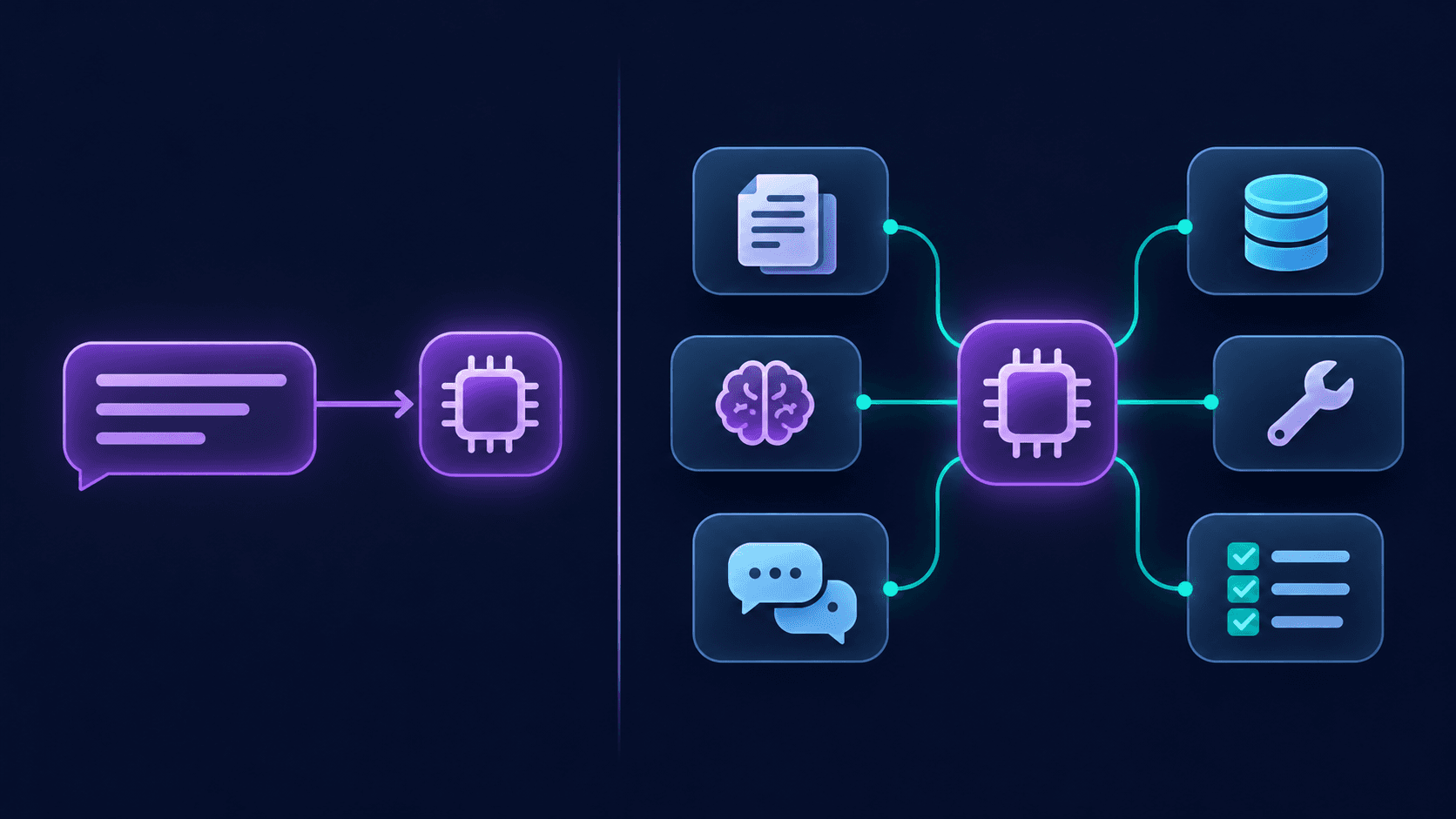
n8n (say it "n-eight-n") is short for "nodemation". It is a tool that connects your apps and makes them work together automatically.
Think of it like a chain of dominoes. One event happens, and n8n pushes the next domino, then the next, without you touching anything.
Three things make n8n different:
- Visual builder: you drag and drop blocks on a canvas instead of writing code.
- Self-hosting option: you can run n8n on your own server, so your data stays with you.
- Fair-code license: the source code is public, and the self-hosted Community Edition is free to use. It is not "open source" in the strict sense, because reselling n8n as a service is restricted.
How n8n Works: Triggers, Nodes and Workflows
Every n8n workflow is built from the same three ideas. Learn these and everything else gets easy.
1. Workflow
A workflow is the full automation. It is the whole chain of steps on your canvas.
2. Trigger
A trigger is the event that starts a workflow. Examples: a form is submitted, a new email arrives, or the clock hits 9 AM every day.
3. Nodes
A node is one step in the workflow. One node might read data, another might change it, and another might send it somewhere, like Gmail or Slack.
Data flows from left to right. The output of one node becomes the input of the next. You can click any node and see exactly what data went in and what came out. This makes fixing problems much easier.
What is an execution?
An execution is one complete run of a workflow, from trigger to last node. This matters because n8n Cloud prices are based on executions, not on the number of steps.
Key Features of n8n
- 400+ integrations: ready-made nodes for apps like Google Sheets, Gmail, Slack, Telegram, Notion and many more.
- HTTP Request node: connect to almost any app that has an API, even if no ready-made node exists.
- Code when you need it: add JavaScript or Python steps for custom logic. This is optional.
- AI agents built in: the AI Agent node lets you build chatbots and assistants that use tools. It also supports MCP (Model Context Protocol), a standard way for AI models to use outside tools.
- Templates: hundreds of ready workflows you can import and change.
- Cloud or self-hosted: let n8n host it for you, or run it on your own server with Docker.
Step-by-Step n8n Tutorial for Beginners: Your First Workflow
Let's build something useful. Goal: when someone fills your contact form, n8n saves their details to Google Sheets and sends you an email alert.
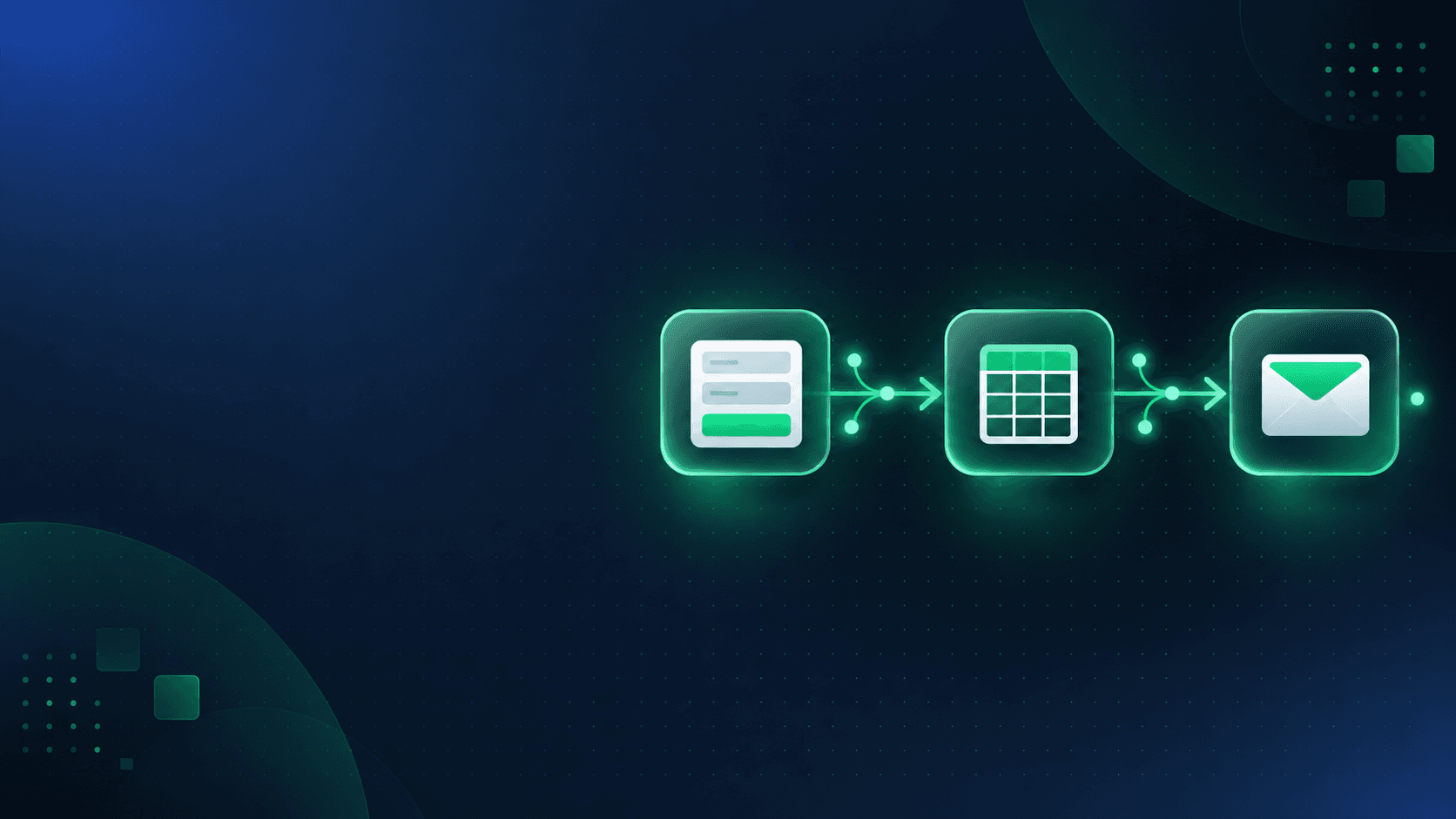
The workflow will look like this: Form → Google Sheets → Gmail.
Step 1: Get access to n8n
Pick one option:
- Easiest: sign up for an n8n Cloud free trial. No credit card is needed.
- Free forever: if you have Node.js installed, run
npx n8nin your terminal. Then openhttp://localhost:5678in your browser.
For beginners, Cloud is the simplest because there is nothing to install.
Step 2: Create a Google Sheet
Make a new Google Sheet called "Website Leads". In the first row, add four column titles: Name, Email, Message, Date.
Step 3: Add the form trigger
- In n8n, click Create Workflow.
- Click Add first step and choose On form submission.
- Give the form a title, like "Contact Us".
- Add three fields: Name (text), Email (email) and Message (textarea). Mark them as required.
- Click Execute step, open the test form, and submit a sample entry.
You will now see your test data in the node's output panel. Good start!
Step 4: Save the lead to Google Sheets
- Click the + after the form node and search for Google Sheets.
- Choose the action Append row in sheet.
- Create a new credential and sign in with your Google account. A credential is a saved, encrypted login that n8n uses to talk to an app.
- Select your "Website Leads" spreadsheet and the first sheet.
- Map each column. Drag the Name field from the left input panel into the Name column, and do the same for Email and Message.
- For Date, type
{{ $now }}to add the current date and time.
When you drag a field, n8n writes an expression for you, such as {{ $json.Name }}. An expression is a small placeholder that pulls in live data. You do not need to type it by hand.
Step 5: Send yourself an email alert
- Click + after the Google Sheets node and search for Gmail.
- Choose Send a message and connect your Gmail account.
- To: your own email address.
- Subject: "New lead from website", then drag in the Name field from the form.
- Message: drag in the Name, Email and Message fields.
Tip: in the left input panel, you can pick data from any earlier node, not just the one right before. Choose the form node so you always get the original values.
Step 6: Test the whole workflow
Click Execute workflow and submit the test form again. Check two things: a new row in your sheet, and a new email in your inbox.
If something fails, click the red node. n8n shows the error message and the exact data it received.
Step 7: Publish it
Click Publish in the top right corner. In n8n 2.0 and later, Publish replaced the old "Active" toggle. It does not make your workflow public. It simply switches it on.
Now copy the form's production URL and share it or link it from your website. Every new submission will be saved and emailed to you automatically.
That's it. You just built your first real n8n automation!
Real-World n8n Use Cases
Once you know the basics, you can automate a lot. Here are ideas that work well for freelancers, students and small businesses in India and around the world:
- Lead capture: send website form leads to Google Sheets or a CRM, and alert your team on Slack or Telegram.
- Daily reports: every morning, pull sales numbers and send a short summary email.
- Email backup: save Gmail attachments, like invoices, to a Google Drive folder.
- AI support bot: use the AI Agent node to answer common customer questions from your own FAQ.
- Content posting: when you publish a blog, share it to your social channels automatically.
- Developer tasks: get alerts when a GitHub issue is opened or a server check fails.
n8n vs Zapier vs Make: Which Should Beginners Choose?
All three are popular automation tools. The biggest difference is how they charge you.
n8n
- Pricing unit: executions (one full workflow run, any number of steps).
- Free option: self-hosted Community Edition with no execution limit.
- Self-hosting: yes.
- Best for: people who want control, AI workflows, or high volume at low cost.
Zapier
- Pricing unit: tasks (each action step usually counts).
- Free option: 100 tasks per month.
- Self-hosting: no.
- Best for: the fastest setup and the largest number of app connections.
Make
- Pricing unit: operations (each module run counts).
- Free option: 1,000 operations per month.
- Self-hosting: no.
- Best for: visual, multi-step scenarios at a lower price than Zapier.
Simple rule: pick Zapier if you want the easiest start and your volume is low. Pick n8n if your workflows have many steps, run often, or need AI. Because n8n counts a 10-step workflow as one execution, it often costs much less as you grow.
n8n Pricing in 2026 (Cloud vs Self-Hosted)
Here are the official n8n Cloud plans, billed annually in euros. Paying monthly costs a little more.
- Community Edition (self-hosted): free. You pay only for your own server.
- Starter: €20/month for 2,500 executions, 5 concurrent executions, plus AI agent and MCP nodes.
- Pro: €50/month for 10,000 executions, workflow history and admin roles.
- Business: €667/month for 40,000 executions. Self-hosted only, with SSO and Git version control.
- Enterprise: custom pricing.
All plans include unlimited users, unlimited workflows and every integration. The free Cloud trial gives you 1,000 executions to test with.
Which should you pick? Start with the Cloud trial to learn. If you are comfortable with servers and Docker, self-hosting the Community Edition is the cheapest long-term option. Always check the official pricing page before you buy, because prices can change.
Tips and Common Beginner Mistakes
Best practices
- Start small: like in this n8n tutorial for beginners, automate one clear task first.
- Rename your nodes: "Save lead to Sheet" is easier to read than "Google Sheets1".
- Use templates: import a template and study how it works.
- Add an error workflow: get notified when a workflow fails so nothing breaks silently.
Common mistakes
- Forgetting to publish: a workflow that works in testing will not run by itself until you click Publish.
- Using the test URL in production: form and webhook nodes have a test URL and a production URL. Share the production one.
- Pasting API keys into nodes: always store keys in credentials, which n8n encrypts.
- Following old tutorials blindly: n8n updates almost every week, so button names may differ slightly from older videos.
Frequently Asked Questions
Is n8n free?
Yes, partly. The self-hosted Community Edition is free with no execution limit. n8n Cloud is paid, but it offers a free trial without a credit card.
Do I need coding skills to use n8n?
No. You can build most workflows by dragging nodes and fields. Coding in JavaScript or Python is optional for advanced tasks.
Is n8n better than Zapier?
It depends on your needs. Zapier is simpler and has more app connections. n8n is usually cheaper for complex or high-volume workflows and can be self-hosted.
Should I use n8n Cloud or self-hosted?
Beginners should start with Cloud because nothing needs to be installed. Choose self-hosted later if you want full data control or lower long-term costs.
Can n8n build AI agents?
Yes. n8n has an AI Agent node, chat triggers and MCP support, so you can build chatbots and assistants that use your apps as tools.
How long does it take to learn n8n?
You can build a simple workflow in your first hour. Most people feel comfortable with the basics after a week of small projects.
Conclusion: Start Your n8n Journey Today
n8n turns boring, repeated tasks into automations that run by themselves. In this n8n tutorial for beginners, you learned how triggers, nodes and workflows fit together, compared n8n with Zapier and Make, and built a working lead-capture system.
Your next step is simple: open n8n, rebuild the form workflow, and then automate one task from your own day.
Want help automating your business with n8n? Get in touch with me, and drop your questions in the comments. I'm happy to help.
Useful resources: n8n official documentation · n8n pricing page · n8n workflow templates · n8n community forum